End-of-day summary
Read and print the end-of-day report of your own postings, or the summary for all tellers.
The end-of-day summary lists the cash and non-cash transactions you posted on one business day, with your opening cash and cash on hand. Print it, sign it and hand it in with your drawer count.
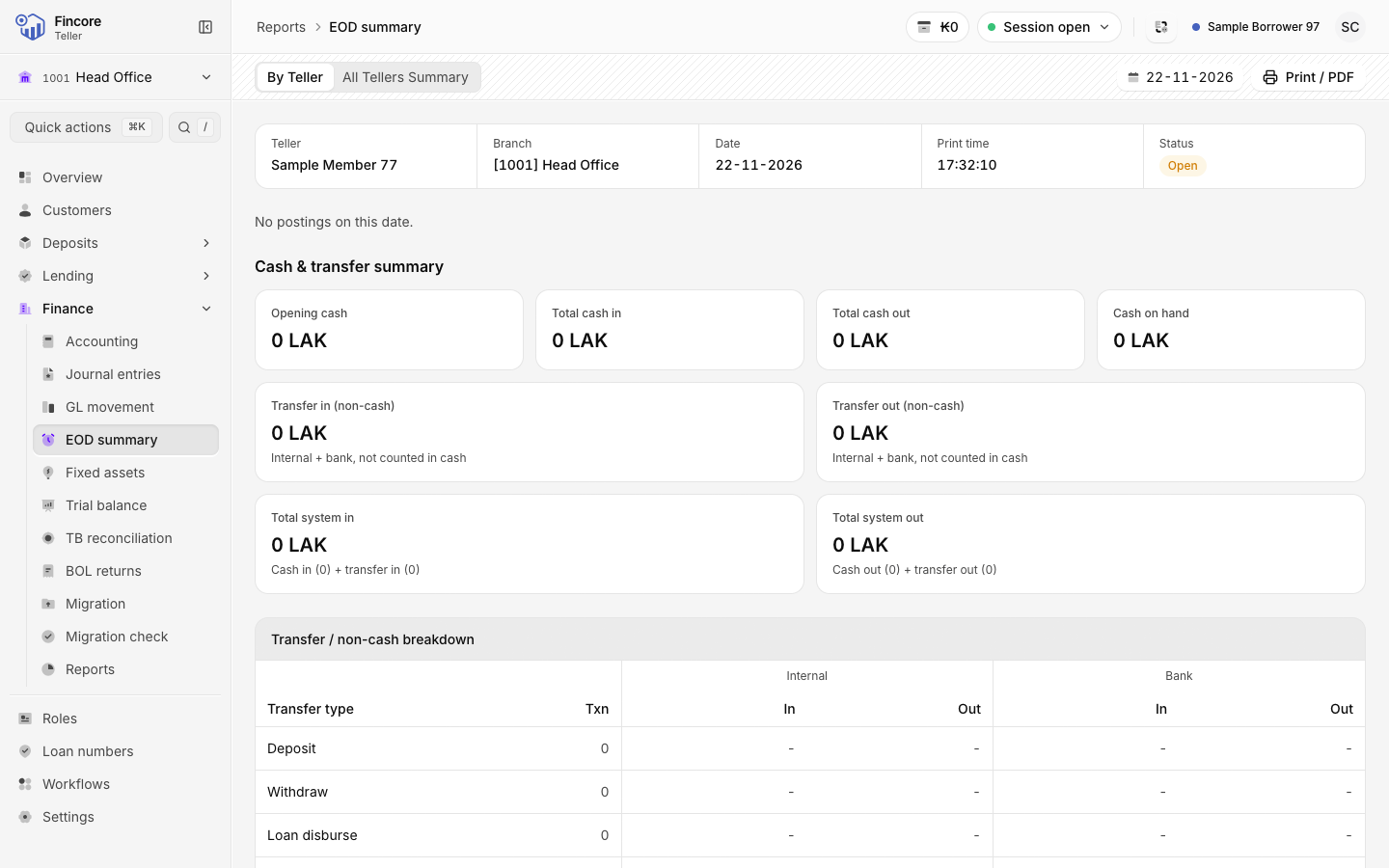
Choose the day
Use the Business date control in the page header to pick another day. You cannot pick a day after today. A day other than today is marked with a small dot.
Read the report
The header row shows Teller, Branch, Date, Print time and your session Status. Below it:
- Cash & transfer summary: Opening cash, Total cash in, Total cash out, Cash on hand, the transfer totals and the system totals.
- Transfer / non-cash breakdown: non-cash movements, split into Internal and Bank.
- Cash transaction breakdown: cash in and out by transaction type, such as Deposit, Withdraw and Loan repayment.
- About these figures: notes that explain any figure the report cannot give.
The report only ever shows your own postings, whatever your role.
Print it
Select Print / PDF to print the report or save it as a PDF. The printed copy has labels in Lao and English, and a line for your signature. The button stays disabled when the report could not be read.
The summary for all tellers
If you hold the Teller admin app role, the page header has a second tab, All Tellers Summary. It shows the consolidated figures for the day, then Summary by teller: one row per teller and a total row. The printed copy has four signature lines for management. Print / PDF prints the tab you are looking at.
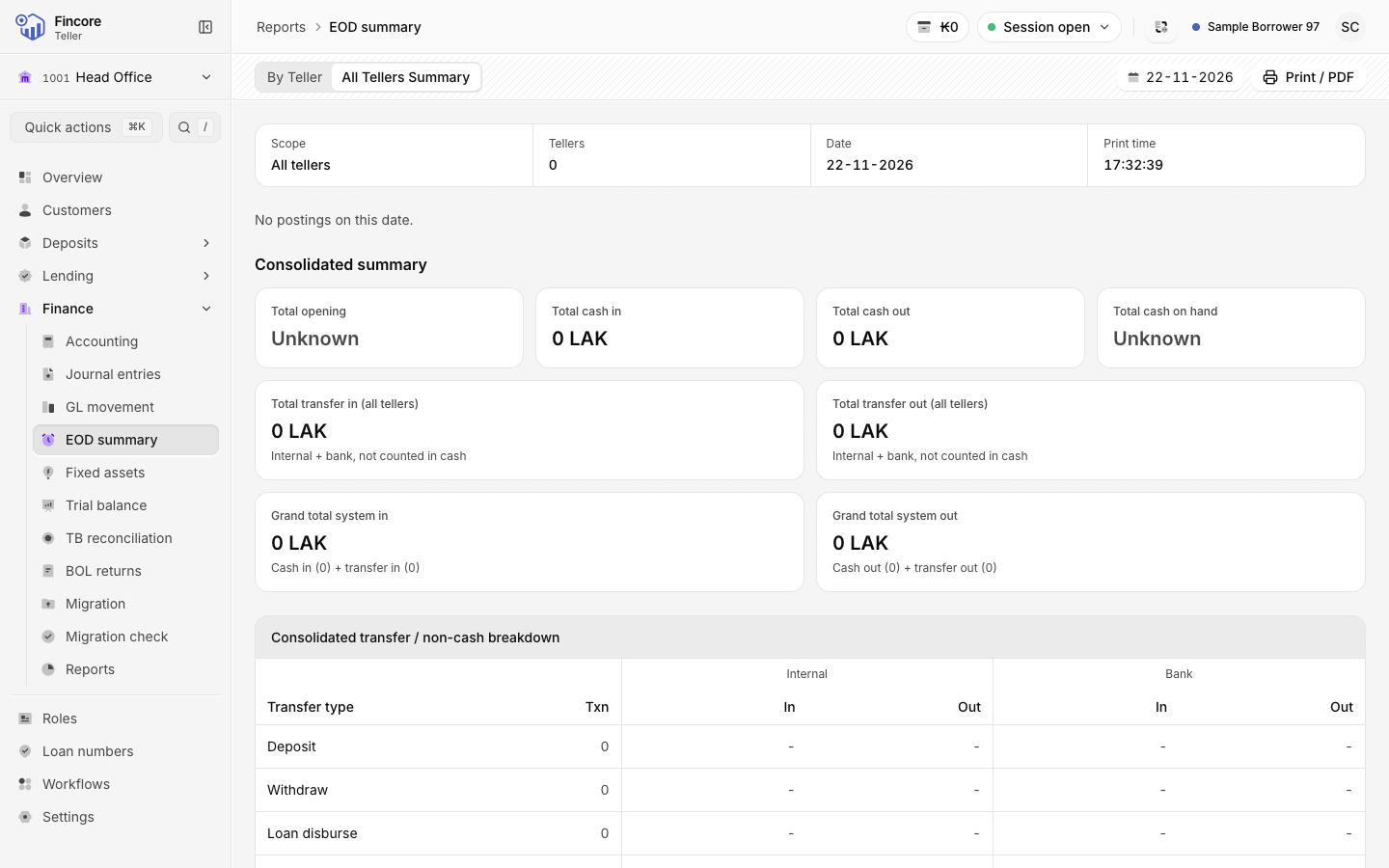
Only your own opening float is known to the report. Other tellers' opening cash is left blank, so the total opening and total cash on hand show as Unknown.
Good to know
- A figure the report cannot work out is shown as Unknown or left blank, never as zero. The notes at the bottom say why.
- Loan fees cannot be told apart from repayments, so fees are counted inside Loan repayment. Deposits that open an account and withdrawals that close one are counted inside Deposit and Withdraw.
- If you disbursed a loan that day, the report cannot tell whether it was paid in cash, by bank or into an account. The loan disbursement and the cash-out and transfer-out totals then show as unknown.
- If the report says it could not be loaded, the core banking system did not return your postings. Wait a moment and reload the page.
Your bank may differ
A super admin at your bank decides who holds the Teller admin role, and so who sees All Tellers Summary. See Roles. The second line of the printed letterhead shows the institution type your bank has set up.