Take a cash deposit or withdrawal
Post a cash deposit into, or a withdrawal from, a savings or current account, counting the notes as you go.
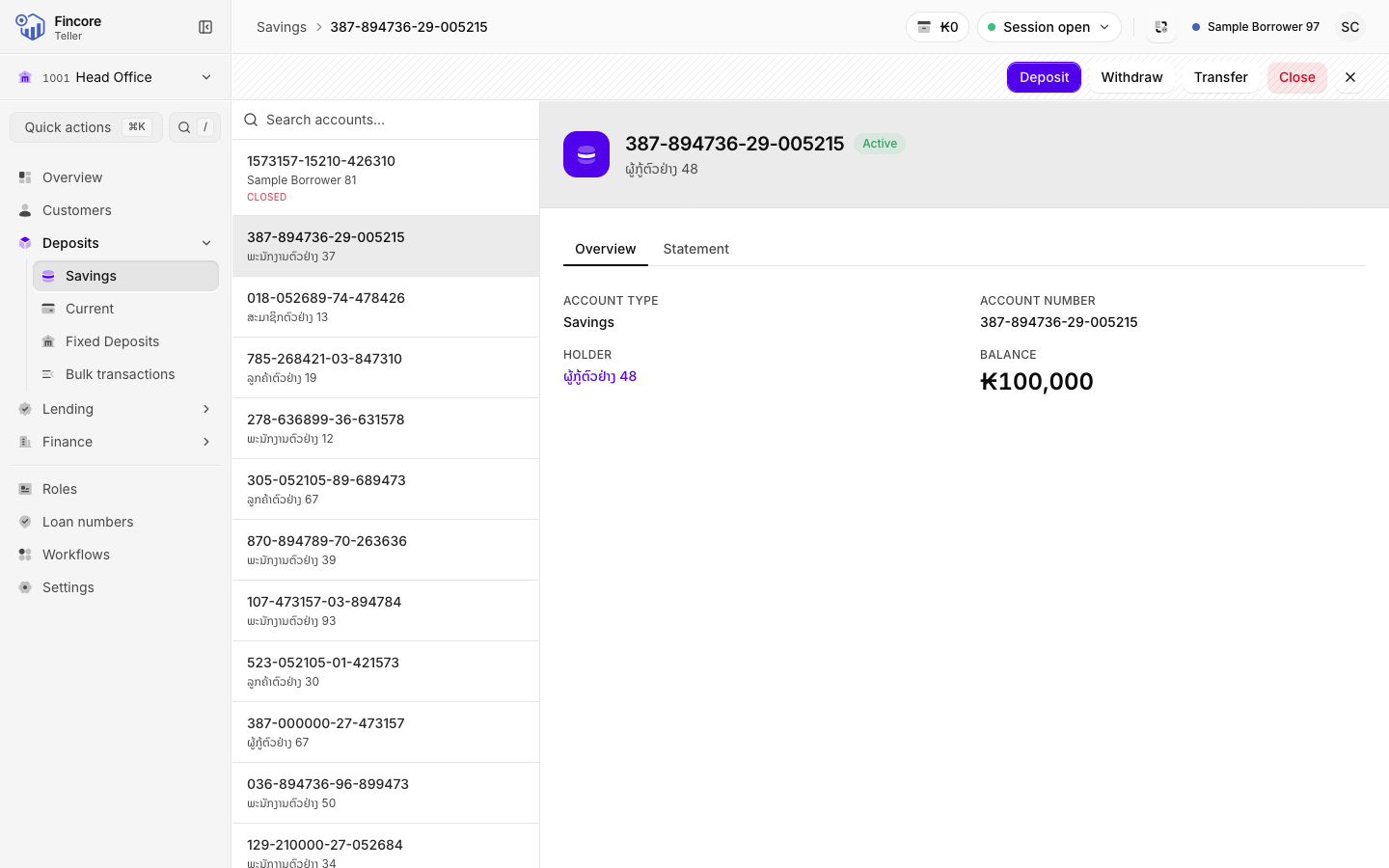
Deposits and withdrawals are posted from the account's record. You enter the amount, count the notes, and read the summary back to the customer before anything is posted.
Before you start
- Open your teller session. Without one, the cash cannot be posted, and the dialog shows a link to the session screen.
- Have the notes on the counter, so you count what actually crosses it.
Open the account
Under Deposits, select Savings or Current. Search for the account number or the holder's name and select the account. The record shows the holder, the balance and the action buttons.
Enter the amount
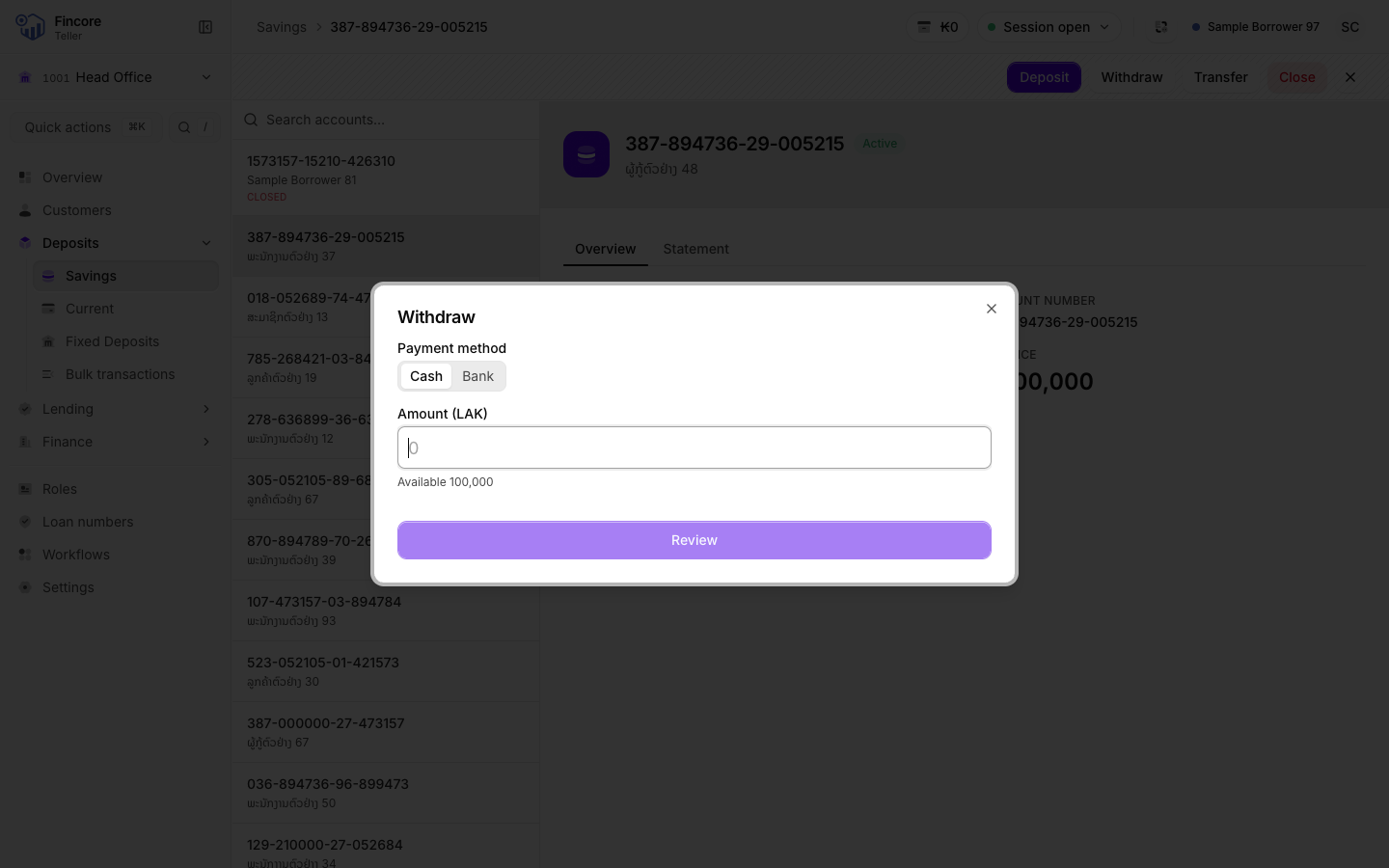
Select Deposit or Withdraw. Type the Amount (LAK).
For a withdrawal, the field shows the balance available. If you type more than that, the field turns red and tells you the amount exceeds it. Select Count the cash.
Count the notes
Type how many of each note you received or are paying out. The tally under the grid shows Balanced when the notes equal the amount, and the difference when they do not. Fill proposes a breakdown, and Clear empties the grid.
For a withdrawal, the grid warns Not in drawer if your drawer does not hold the notes you entered. Choose other notes, or recount your drawer.
When the count balances, select Review.
Read back and confirm
The review shows the amount, the account and how many of each note. Read it back to the customer with the cash still on the counter. To change anything, select Back. When it is right, select Confirm.
Finish
The dialog shows the amount posted and the notes that went into or out of your drawer. Check your tray against it, print the customer's receipt, then select Done.
Good to know
- The notes count is required and must equal the amount exactly. It is what lets a wrong amount show up while the customer is still at the window.
- Your drawer changes only after the posting is accepted. A refused deposit or withdrawal leaves the drawer as it was.
- There is no note or narration field: the core banking system would not keep it on the statement.
- The buttons are greyed out on an account that is not active.
If something goes wrong
- The dialog says you have no session. Select Open your teller session, open your session, then return to the account.
- The posting is refused. The dialog shows the reason. Nothing was posted and your drawer did not change.
Your bank may differ
Your bank can publish its own steps for deposits and withdrawals, separately for each. For example, a withdrawal may require a signature or fingerprint check, a one-time code, or a choice between Cash and Bank. A bank payment has no notes to count. If your dialog shows more steps than described here, follow them in order.