Teller cash report
Read your cash movements for a day or a period, and print or export the signed teller cash report.
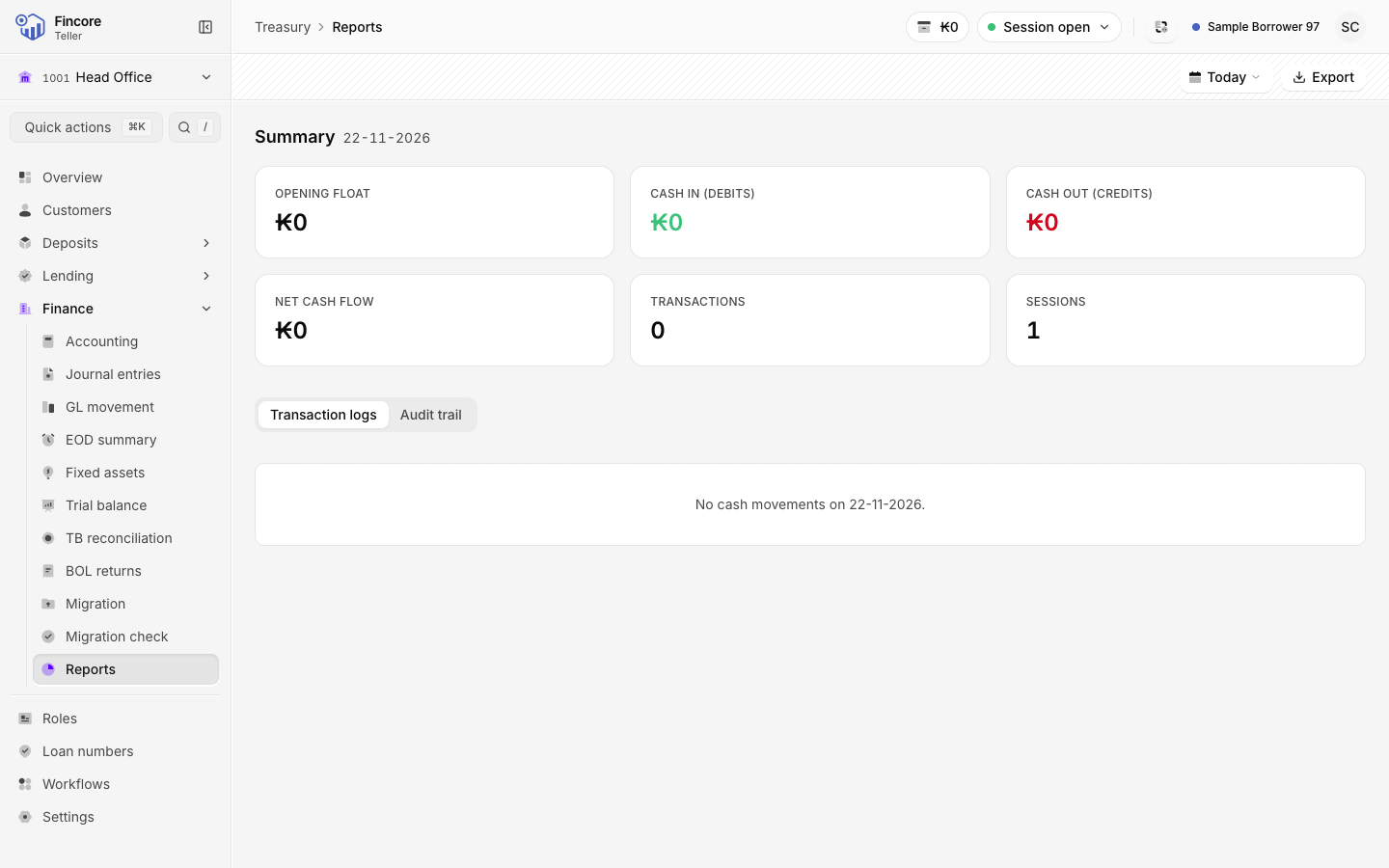
Reports shows the cash that moved through your drawer: a summary, every cash movement, and the audit trail. Print it as the teller cash report, with signature lines for the teller, the supervisor and the branch manager.
Choose the period
Select the period button and pick Yesterday, Last 7 days, This month or Last month. For your own dates, select Custom range, pick a start and an end date, then Apply.
Read the summary
The Summary shows the Opening float, Cash in (debits), Cash out (credits), Net cash flow, and the number of Transactions and Sessions.
Check the movements
The Transaction logs tab lists each cash movement with its date, description, session, debit and credit GL codes, and amount. The Audit trail tab is meant to list who did what and when. Your bank's core banking system may not record these events yet, in which case it shows No audit events recorded.
Print or export
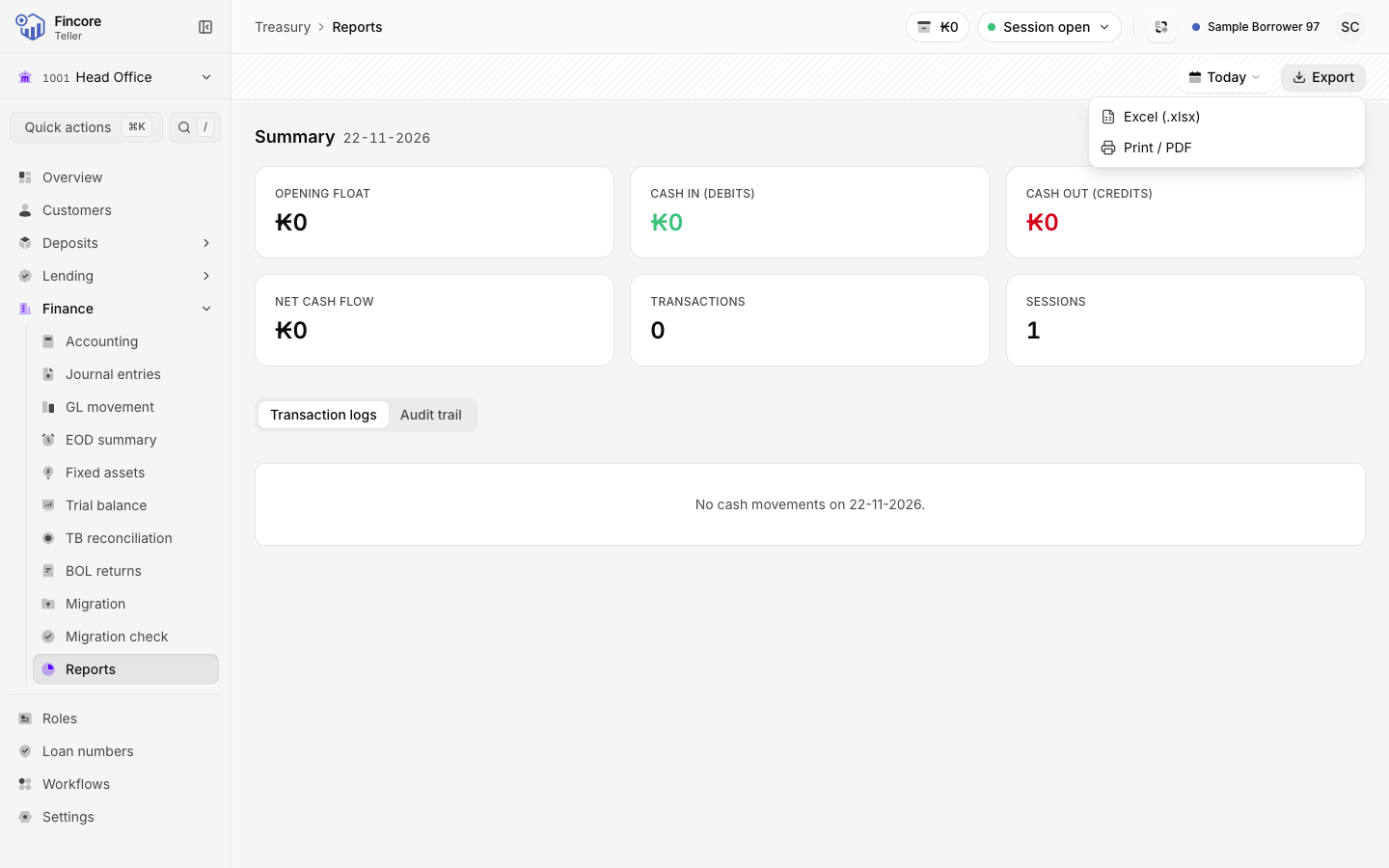
Select Export and choose Excel (.xlsx) or Print / PDF. The document is titled Teller Cash Report. It names the teller, branch and period, lists every movement with a total, and ends with signature lines for Prepared by (Teller), Checked by (Supervisor) and Approved by (Branch manager).
Sign the printout
Print the report, sign it as the teller, and pass it to your supervisor to check and to the branch manager to approve.
Good to know
- The report covers cash only. For your whole day, cash and non-cash by type, use the end-of-day summary.
- One export carries a limited number of cash movements. If the period holds more, the menu says so: choose a shorter period.
- If the report could not be read from the core banking system, there is nothing to export and the screen says the data is unavailable. It never shows a zero in its place.